A barcode is a pattern of lines or squares that a scanner can read in a fraction of a second. For a business, it replaces typing, reduces mistakes and makes stock counts, sales and shipping faster. The variety of types, though, can be confusing. This guide explains the common ones, what the numbers mean and how to print labels that actually scan.
What a barcode does
A barcode does not hold information about the product. It holds a number or short text, and your software looks that number up in a database. Scanning the code tells the system which item it is, and the system supplies the name, price and stock level. That is why the same barcode can be useful in a shop, a warehouse and a shipping room.
The common types
UPC-A has 12 digits and is common for retail products in North America. EAN-13 has 13 digits and is used for retail goods in most of the world. Both are issued as part of a global numbering system managed by GS1. Code 128 can hold letters, digits and symbols, which makes it a flexible choice for internal labels, shipping and tracking numbers. Code 39 is an older format for simple letters and digits. QR codes are two-dimensional and can hold much more, such as a web address, but they need a camera-based scanner.
Retail codes versus internal codes
If you sell through shops or large marketplaces, you usually need genuine retail numbers, called GTINs, that are unique worldwide. They are issued through GS1 or its authorised resellers. Making up your own EAN or UPC numbers can clash with real products, so do not do it for goods sold to the public. For stock control inside your own business, you can use any numbering you like, such as your SKU in a Code 128 barcode.
What the digits mean
In EAN-13 and UPC-A, the digits identify the company, the product, and a final check digit. The check digit is calculated from the others, and it lets a scanner detect most misreads. For EAN-13, you multiply the first 12 digits alternately by 1 and 3 and add the results, then the check digit is the amount needed to reach the next multiple of 10. For 400638133393, the sum is 89, so the check digit is 1, and the full code is 4006381333931. Barcode generators work this out for you.
Barcode, SKU and GTIN
These three are often confused. A SKU is your internal product code. A GTIN is the global trade number. A barcode is a way of displaying either one so it can be scanned. You might print a barcode of your SKU for warehouse use, and a barcode of the GTIN for retail. See our SKU system guide.
Printing labels that scan
- Contrast. Print dark bars on a plain light background. Black on white is best.
- Size. Do not shrink a barcode below the size your scanners can read. Larger is usually safer.
- Quiet zone. Leave a blank margin on each side. Text or edges that touch the bars can cause errors.
- No stretching. Scale the barcode proportionally, otherwise the bars change width and ratio.
- Quality. Use a clean printer, and avoid glossy or curved surfaces that reflect light.
- Test. Scan a printed sample before you print a large run.
Where to place them
Place the barcode on a flat area, away from folds, seams and edges, in a consistent position on every product so staff know where to scan. On boxes, put it on a side that is easy to reach on a shelf.
Types of scanner
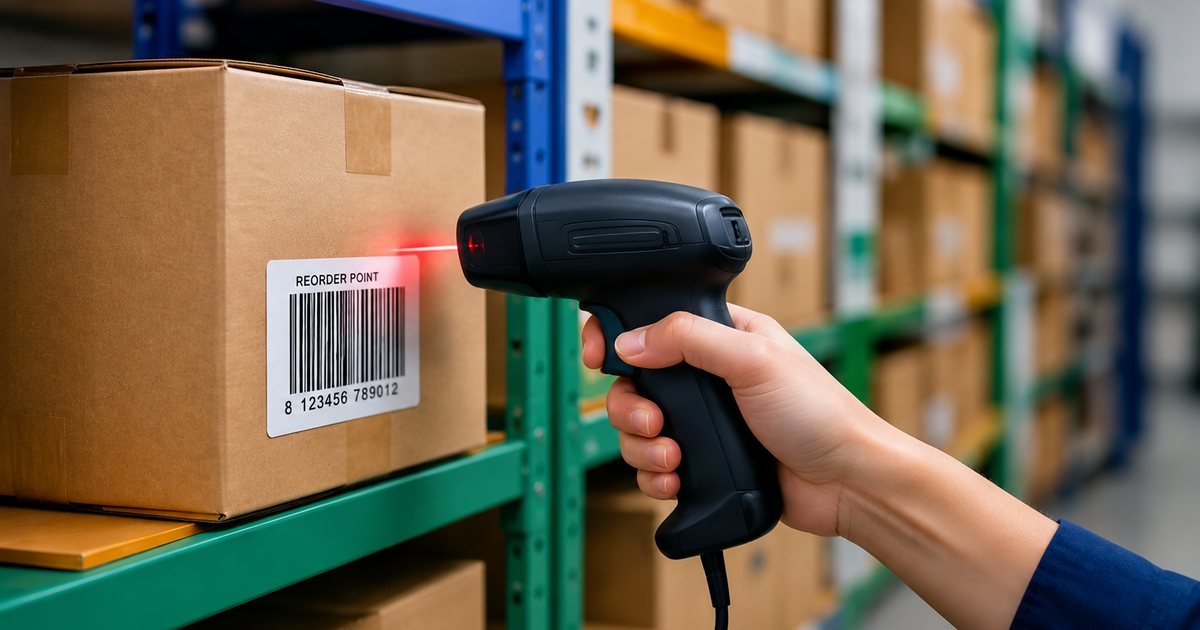
Laser and linear imagers read standard barcodes, and camera-based scanners, including phone cameras, read both linear and two-dimensional codes. For a small business, a phone with a stock app or a basic USB scanner is often enough. A scanner that acts like a keyboard can feed codes into a spreadsheet, which is a low-cost way to start counting.
Using barcodes for stock control
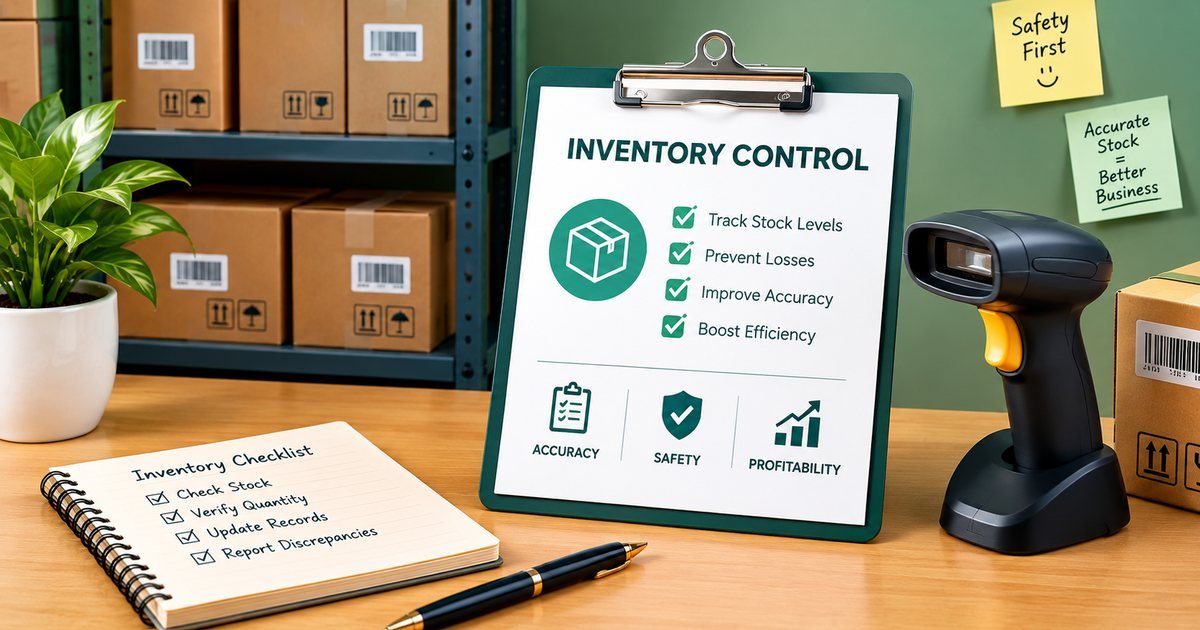
Once items carry barcodes, receiving, picking and counting get faster and more accurate. Scanning at receiving checks deliveries against purchase orders, and scanning at dispatch confirms the right item left. See packing slips explained for how this ties into shipping.
Common mistakes
Using made-up retail numbers, printing too small, skipping the quiet zone, using a low-contrast colour, reusing codes for different products, and not testing. Most scanning problems come from one of these.
Barcodes and other technologies
RFID tags can be read without a clear line of sight and many at once, which is useful in large warehouses and for high-value goods. They cost more than printed barcodes and need special readers, so for most small businesses a barcode remains the most economical choice.
Starting small
You do not have to label everything at once. Give each product a clean SKU, print labels for your fastest-moving items, and scan them at two points: when stock arrives and when an order is packed. A phone app is enough to begin with. Once the habit sticks, extend it to the rest of the range.
Make your own
Our free barcode generator creates Code 128, EAN-13, UPC-A and Code 39 barcodes that you can download or print. Use it for internal labels, and remember that retail numbers must be properly issued. This guide is general information, so check your own retailer or marketplace requirements.