A purchase order is a simple document with a big job: it turns "can you send me some of those?" into a clear, written order. It protects the buyer from surprise prices and the supplier from disputes about what was ordered. You do not need a large company to benefit from them, and they are quick to write.
What a purchase order is
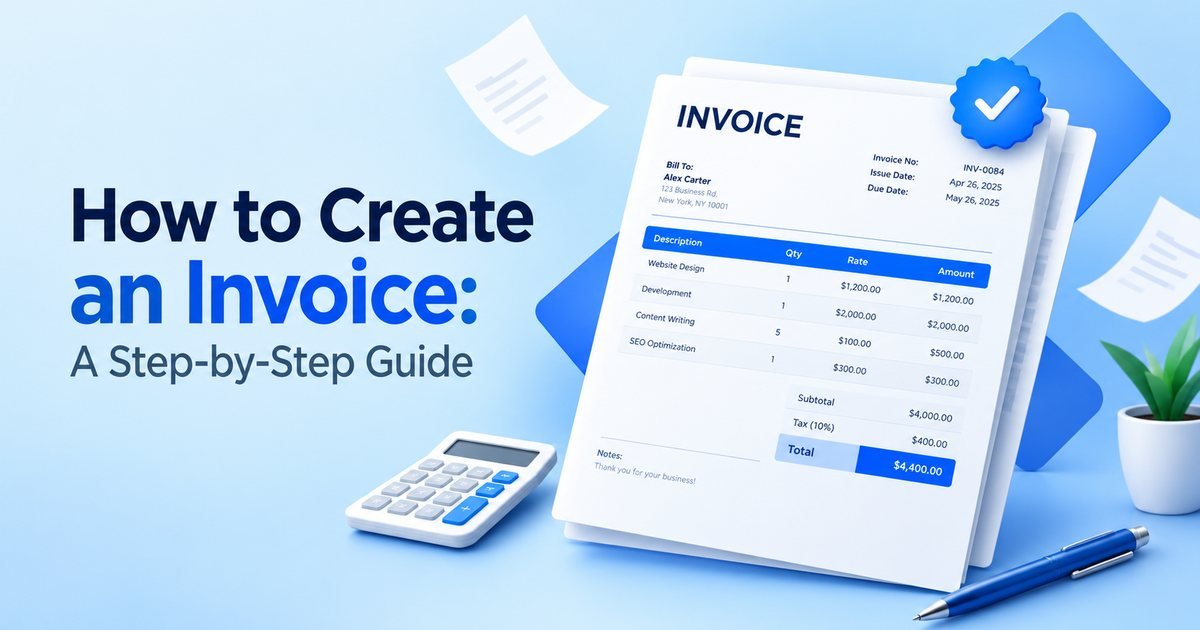
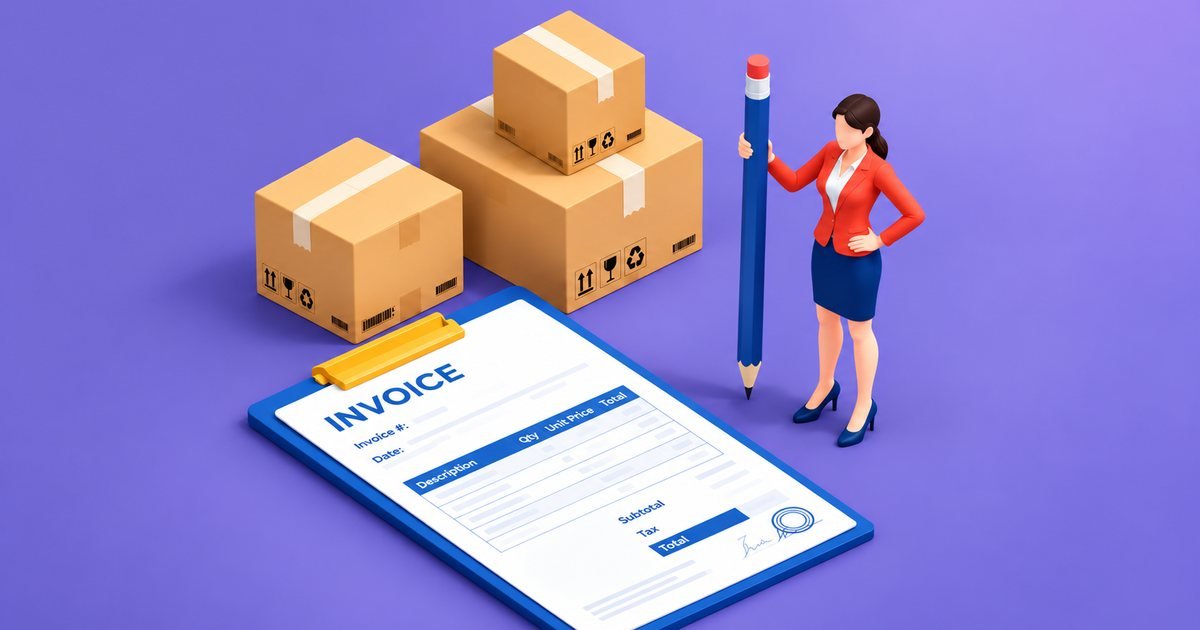
A purchase order, or PO, is a document the buyer sends to a supplier to order goods or services. It lists what is wanted, the quantities, the agreed prices, the delivery address and date, and the terms. Once the supplier accepts it, it can form a binding agreement on those terms, so the wording matters.
How it fits into the buying process
The usual order of events is simple. The buyer asks for a quotation, then issues a purchase order, the supplier confirms it, the goods arrive, and the supplier sends an invoice that quotes the PO number. The buyer then checks that the PO, the goods received and the invoice all agree before paying. This check is often called three-way matching, and it is the main reason larger companies insist on POs.
What to include
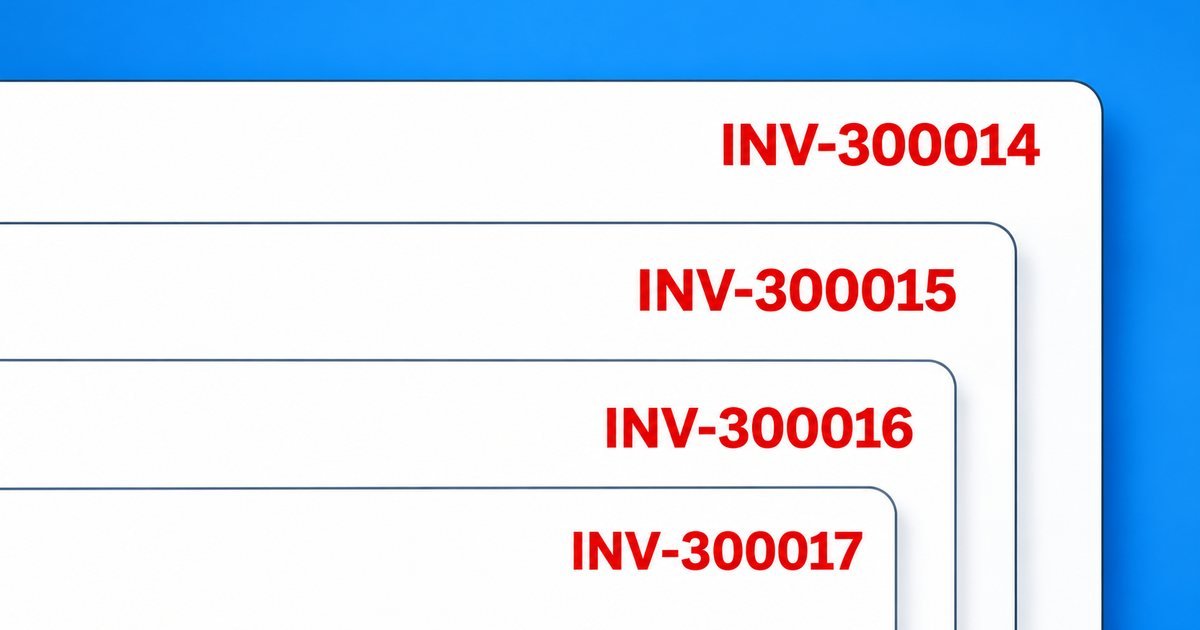
- A unique PO number, such as PO-0001.
- The date and your business details.
- The supplier's name and address.
- The delivery address and the date you need the goods.
- Each item with a clear description, quantity and unit price.
- Shipping, tax and the total.
- Payment terms and any special instructions.
A short example
A café orders 500 takeaway cups at 4.20 each from a supplier. The goods come to 2,100. Shipping is 80, giving 2,180, and with 20% tax on that the total is 2,616. The PO states the quantity, the unit price, the delivery date and payment within 30 days of the invoice. When the supplier's invoice arrives with the same PO number and the same figures, paying it takes a minute.
Why bother, if you are small
A PO gives you a record of what you agreed, which helps when a delivery is short or a price changes. It forces you to decide what you want before you order, and it creates a natural point for approval if more than one person spends money in your business. For the supplier, a PO number on the invoice makes it far more likely that the buyer's accounts team pays on time.
Purchase order, invoice and quotation
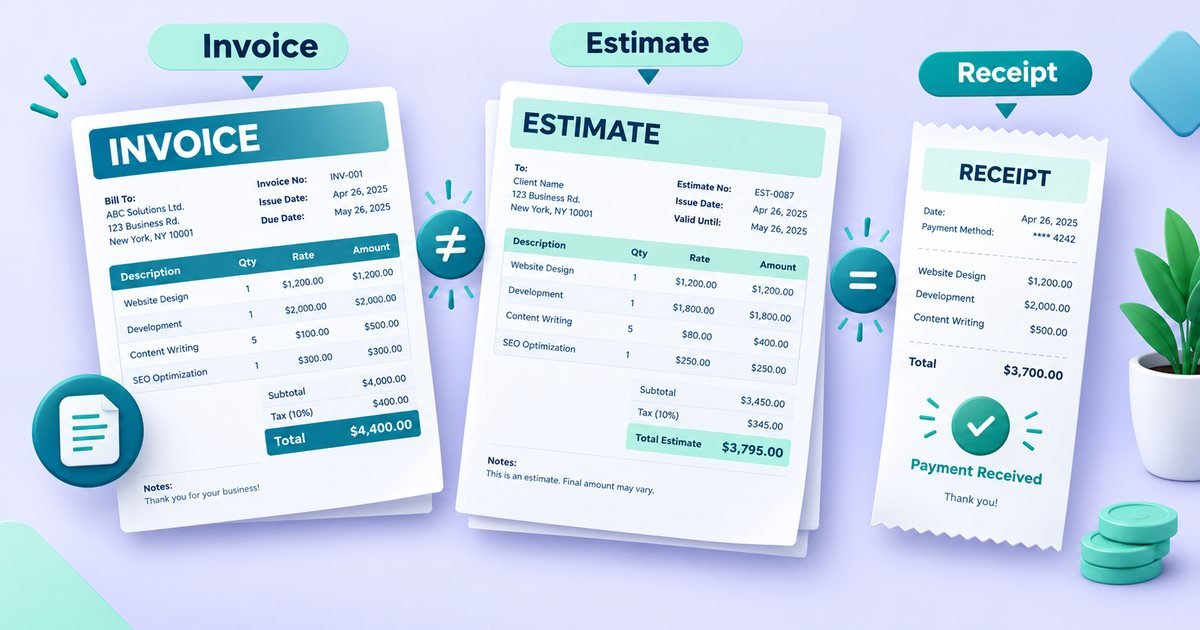
A quotation is the supplier's price offer. A purchase order is your formal order based on it. An invoice is the supplier's request for payment after delivery. Each has a different author and a different job, which is why mixing them up causes confusion. Our guide on quotes and invoices covers the seller's side.
Changing or cancelling a PO
If something changes, tell the supplier in writing and issue a revised PO with the same number plus a revision note, or cancel and reissue. Do not rely on a phone call. If the supplier has already started work, check your terms, because cancellation may not be free.
Partial deliveries
Suppliers sometimes ship in parts. Record what has arrived against each line and keep track of what is outstanding. Pay for what you received, and note any shortfalls so they can be corrected or credited.
Common mistakes
Ordering verbally and writing it up later, or not at all, is the biggest one. Close behind are vague item descriptions, a missing delivery date, omitting the agreed price and not matching the supplier's invoice to the PO before paying. A few lines of clear detail prevents most arguments.
Wording that keeps things clear
You do not need legal language. A few plain lines under the item list are enough: "Please deliver to the address above by 15 November. Prices are as quoted on 2 October. Payment within 30 days of receipt of a correct invoice quoting this PO number. Please confirm acceptance by reply." That last sentence matters, because the supplier's confirmation is what turns the order into an agreement.
Approval as you grow
When only you buy things, a PO is a record. When several people can spend, it becomes a control. Many businesses set limits, for example that anything above a certain amount needs a second person to sign off before the PO goes out. Choose limits that suit the size of your business, and keep the approver's name or initials on the PO so you can see who authorised it.
Paper or digital
Either works. A PDF sent by email is easy to store and to search, and you can keep a simple spreadsheet of PO numbers, suppliers, amounts and whether the goods and invoice have arrived. That list quickly shows what is outstanding and where a delivery is overdue.
Create one in minutes
Our free purchase order generator lets you add the supplier's details, list the items and download a PDF. Enter the supplier's name and address in the "Supplier details" box. If you want to check what stock to order and when, see reorder points and safety stock. This guide is general information, not legal advice.