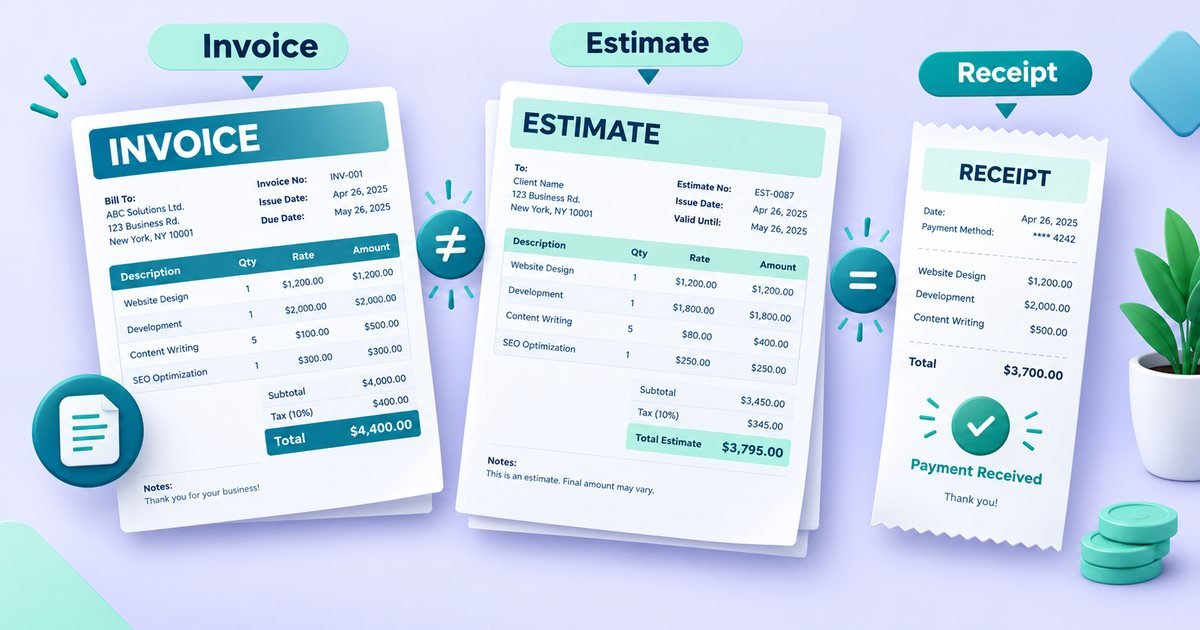
An invoice has one job: to make it obvious what the client owes, why they owe it and how to pay. Everything on the page either supports that or gets in the way. It also doubles as a record for you, for your client's accounts team and, eventually, for a tax authority, which is why a little care at the start saves trouble later.
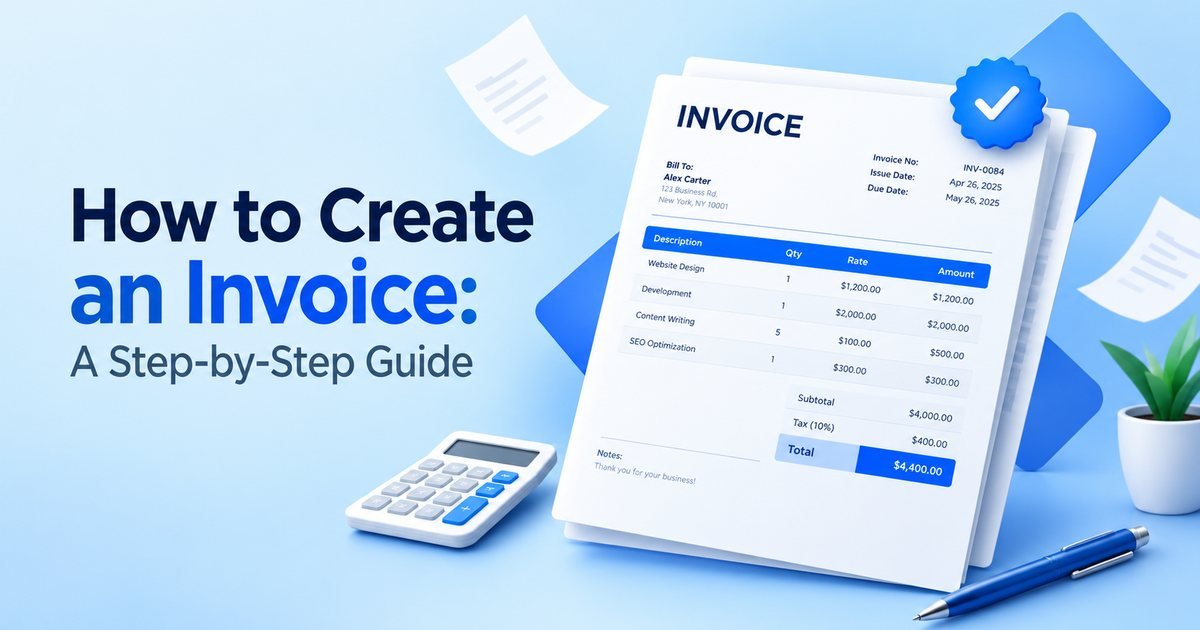
Below are the parts of an invoice in the order a reader meets them, along with the decisions you will actually have to make.
Your details
Use the name that appears on your contract or registration, followed by your address and an email address. If you are registered for sales tax or VAT, your tax number goes here too, since many countries require it on a valid tax invoice. A logo is optional, but it helps the invoice look like it came from a real business and makes it easy to spot in an accounts inbox.
The client's details
Use the legal name of the company being billed, not only the name of your contact, and the billing address they gave you. Large clients often process invoices by reference, so add the purchase order number or project code if they have given you one. A missing PO number is one of the most common reasons an invoice gets bounced back.
Invoice number and dates
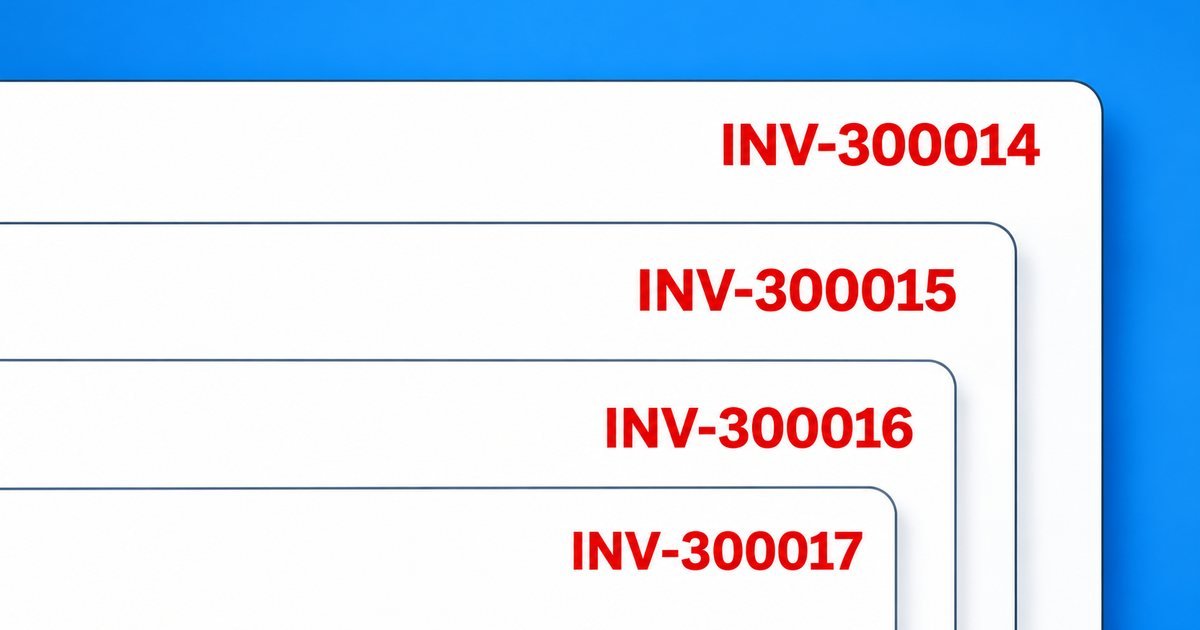
Each invoice needs its own number. A simple running sequence such as INV-0001, INV-0002 is enough for most people. Our invoice number guide covers formats and what to do when you need to cancel one. Show the issue date and the due date. In some countries the date the goods or services were supplied also matters for tax, so check whether yours asks for it.
The line items
Each line needs a description, a quantity and a price, plus the total for the line. The description is where most invoices are lazy. "Design work" tells the client very little. "Brochure layout, 8 pages, two rounds of revisions" tells them exactly what they are paying for and is much harder to dispute.
If you bill by the hour, show the hours and the rate. If you charge a fixed fee, say what it covers. Expenses you pass on, such as stock images or travel, are best listed as separate lines, and you should keep the receipts in case the client asks. Discounts should appear on their own line so the client can see what they saved.
Tax and totals
If you charge sales tax or VAT, show the rate and the amount. If you do not, it can help to say so, for example "Not registered for VAT", to head off questions. Rules on tax invoices differ between countries, and cross-border sales can be especially tricky, so confirm what applies to you with an accountant if you are unsure.
The totals block should read like a short calculation. Here is a worked example:
- Brochure design, 12 hours at 60: 720.00
- Stock image licence, 1 at 45: 45.00
- Subtotal: 765.00
- Tax at 20%: 153.00
- Total: 918.00
- Deposit already paid: 300.00
- Balance due: 618.00
The balance due should be the number the eye finds first. Showing the deposit and the remaining amount avoids the common mistake of a client paying the full total a second time.
Payment details
Tell the client exactly how to pay: bank name, account name and number or IBAN, plus any sort code or SWIFT/BIC they need, and ask them to use the invoice number as the payment reference. If you accept card or online payments, include the link. State the currency. If you work with clients abroad, say who pays any transfer charges.
Terms and notes
This is where the payment terms go, such as "Payment due within 14 days of the invoice date", along with any late-payment terms you have agreed and, if you like, a short thank-you. Keep it brief. The point is that nobody can later say they did not know when payment was due. If you are unsure which term to use, read our guide to payment terms.
Mistakes that slow payment
Most problems come down to a handful of habits: vague descriptions, wrong or incomplete company names, a missing reference number, changing the invoice number format halfway through the year, sending an editable file instead of a PDF, forgetting expenses and having to send a second invoice, and mixing currencies without saying which one applies. None of these is serious on its own, but each one gives the client's accounts team a reason to pause.
Sending it
Attach the invoice as a PDF and put the key facts in the email itself, so that the person reading it does not have to open the file to know what it is. A subject line such as "Invoice INV-0042 from Alex Rivera, due 24 October" works well, and a short message is enough: what the invoice is for, the amount, the due date and how to pay. Send it to whoever processes invoices at the client, and keep a copy for your records.
Before you hit send
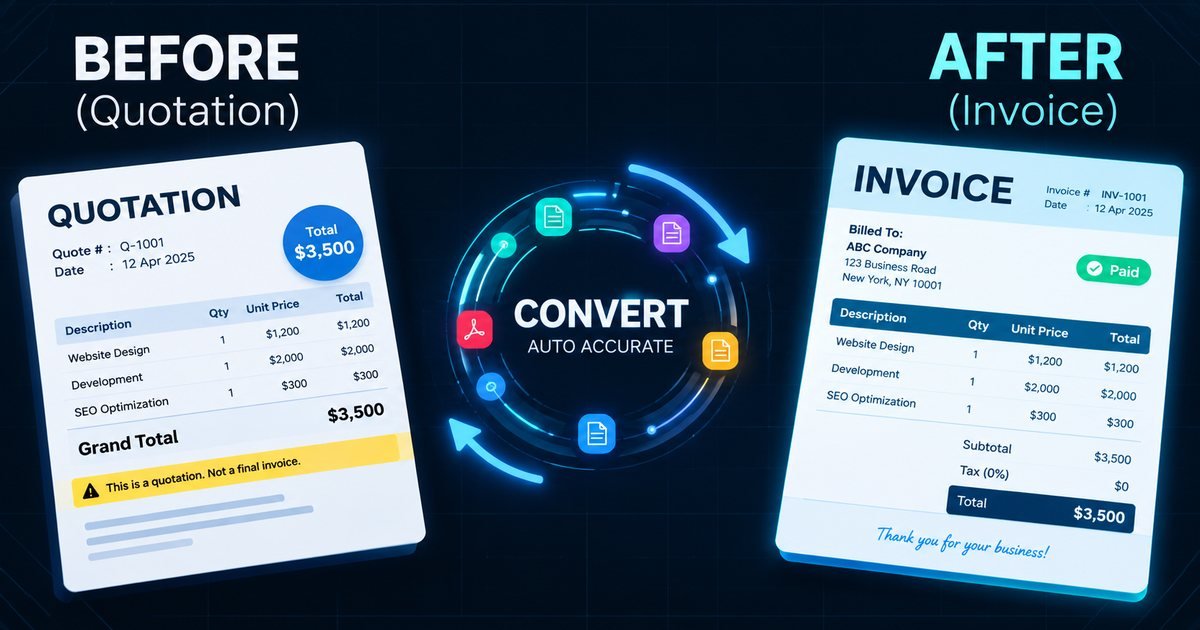
Read it once as if you were the client. Is the company name right? Does the total match the quote? Is the due date a real date? Are your payment details correct? Two minutes here is cheaper than a week of back and forth later.
Making one with our tool
Our free invoice generator follows this order. Enter your details and your client's, add the items, set the tax and discount, choose the currency, and the totals and balance due are calculated for you. When it looks right, download the PDF or print it. Saved invoices can be duplicated, which saves time when you bill the same client every month. If you want to turn this into a routine for getting paid sooner, read how to get paid faster.
This guide is general information, not legal or tax advice.